Your books,
right at home

Every book you own, borrow or are reading, in one cosy place on your Mac. E-books and paper books, library loans, and a reading tracker that remembers your year in books.

Coming soon for Mac Take the tour

Free · macOS 26 Tahoe or later

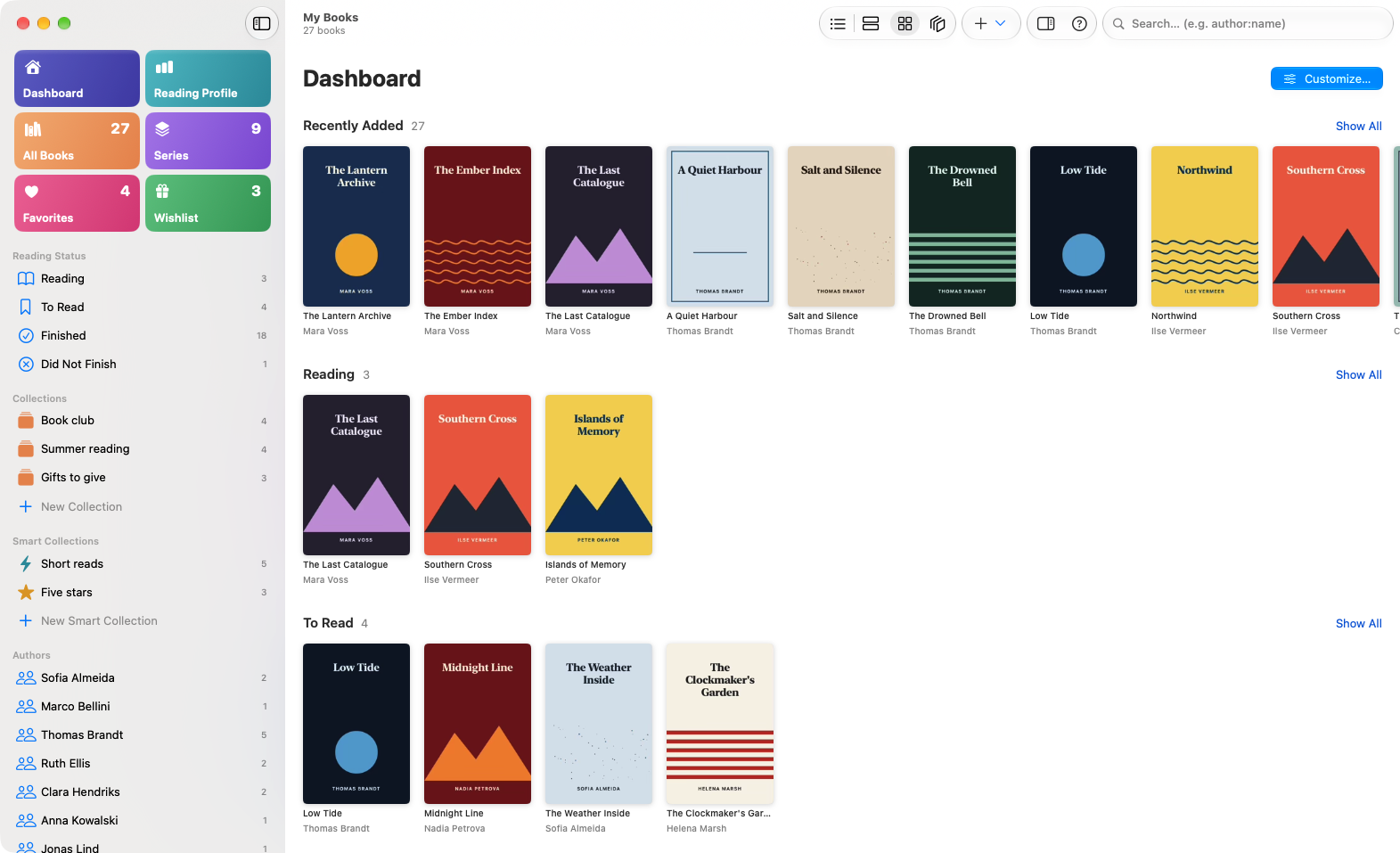
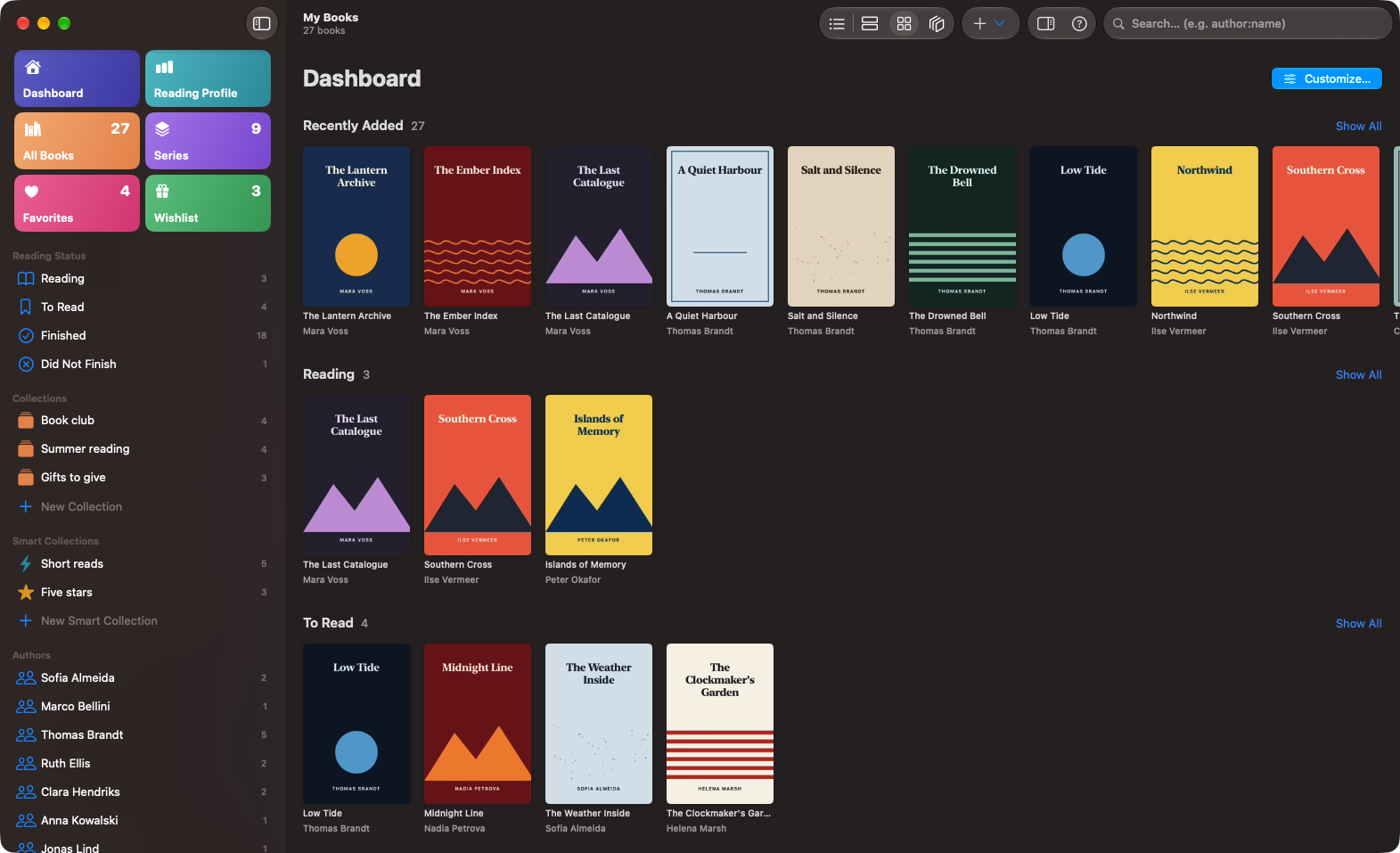
The Books O' Plenty dashboard: colourful tiles in the sidebar and rows of book covers for Recently Added, Reading and To Read. The Books O' Plenty dashboard in dark mode.
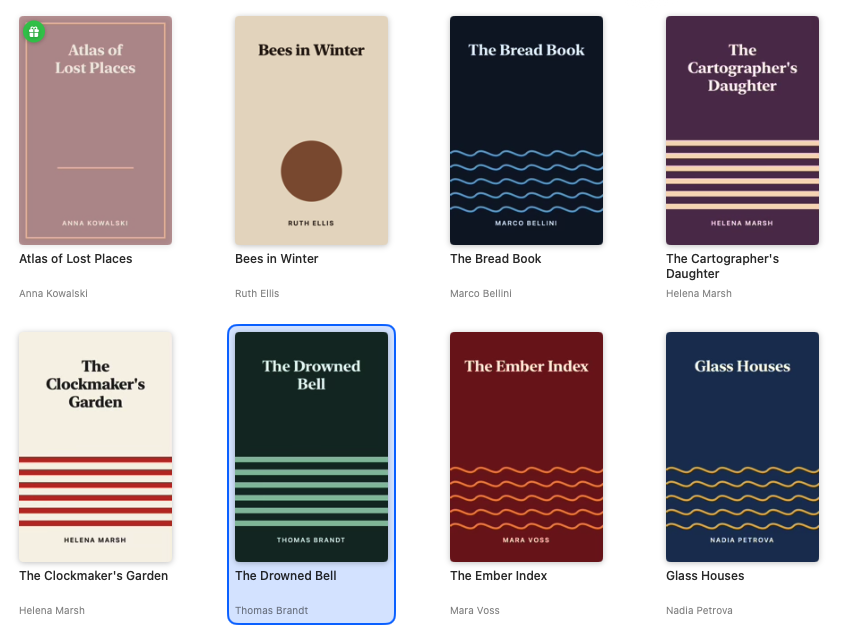
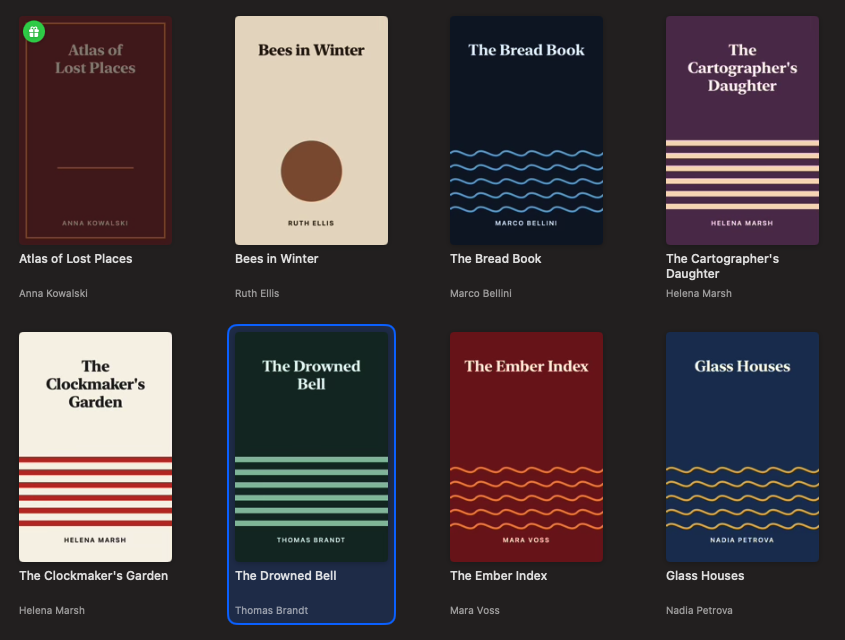
A grid of book covers with their titles and authors. A grid of book covers with their titles and authors.

A shelf you'll want to linger at

List, cards, covers or series: browse your library the way you like. The dashboard shows what came in last, what you're reading and what's waiting its turn.

Arrange the tiles in the sidebar yourself, and let smart collections fill themselves from a rule you write once.
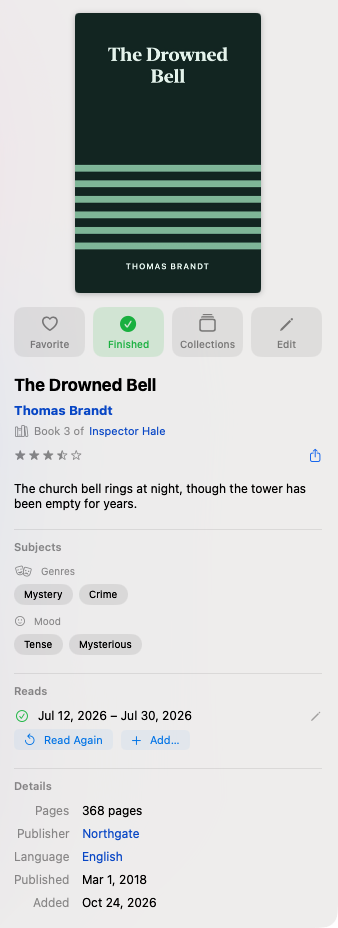
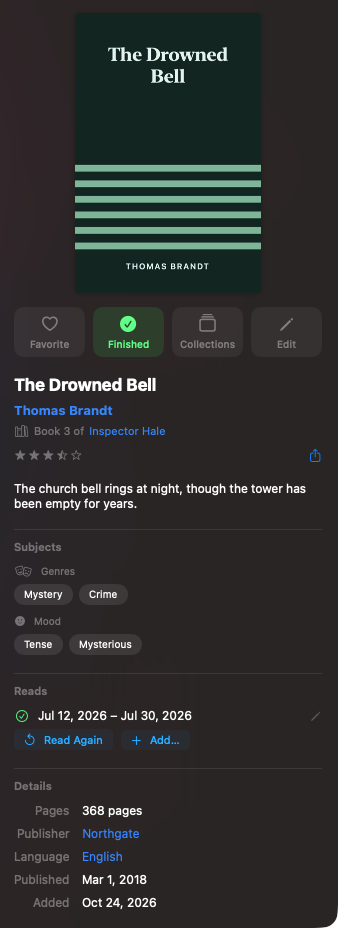
The inspector for The Drowned Bell: cover, author, series, rating, genres, mood and details. The inspector for The Drowned Bell: cover, author, series, rating, genres, mood and details.

Every detail, one glance away

The inspector shows a book's cover, series, rating, genres, mood and more, without leaving the shelf.

Edit one book or a hundred at once, and fill the gaps with covers and details from Google Books, Open Library, Hardcover and Apple Books.

Found it. Already.

Suggestions appear before you've finished the word. Want to be precise? calibre's search language works here too, and ⌘K opens a palette that finds books, places and actions.

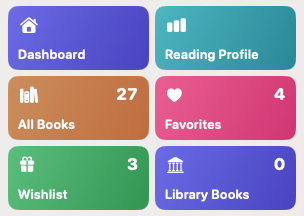
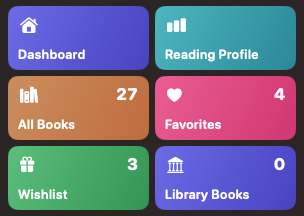
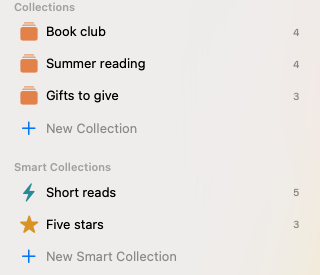
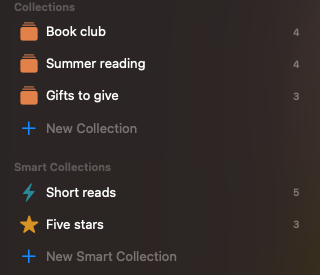
Sidebar tiles: Dashboard, Reading Profile, All Books, Series, Favorites and Wishlist. Sidebar tiles: Dashboard, Reading Profile, All Books, Series, Favorites and Wishlist. Collections such as Book club and Summer reading, and smart collections such as Short reads and Five stars. Collections such as Book club and Summer reading, and smart collections such as Short reads and Five stars.

Paper and borrowed books, too

Add paper books by ISBN or by title and author. Keep track of books from the library, with a reminder before they're due. And put the ones you'd love to own on a wishlist.

Have the same story in Dutch and English? Link the editions, and they sit on the shelf as one work.

Your year, one book at a time

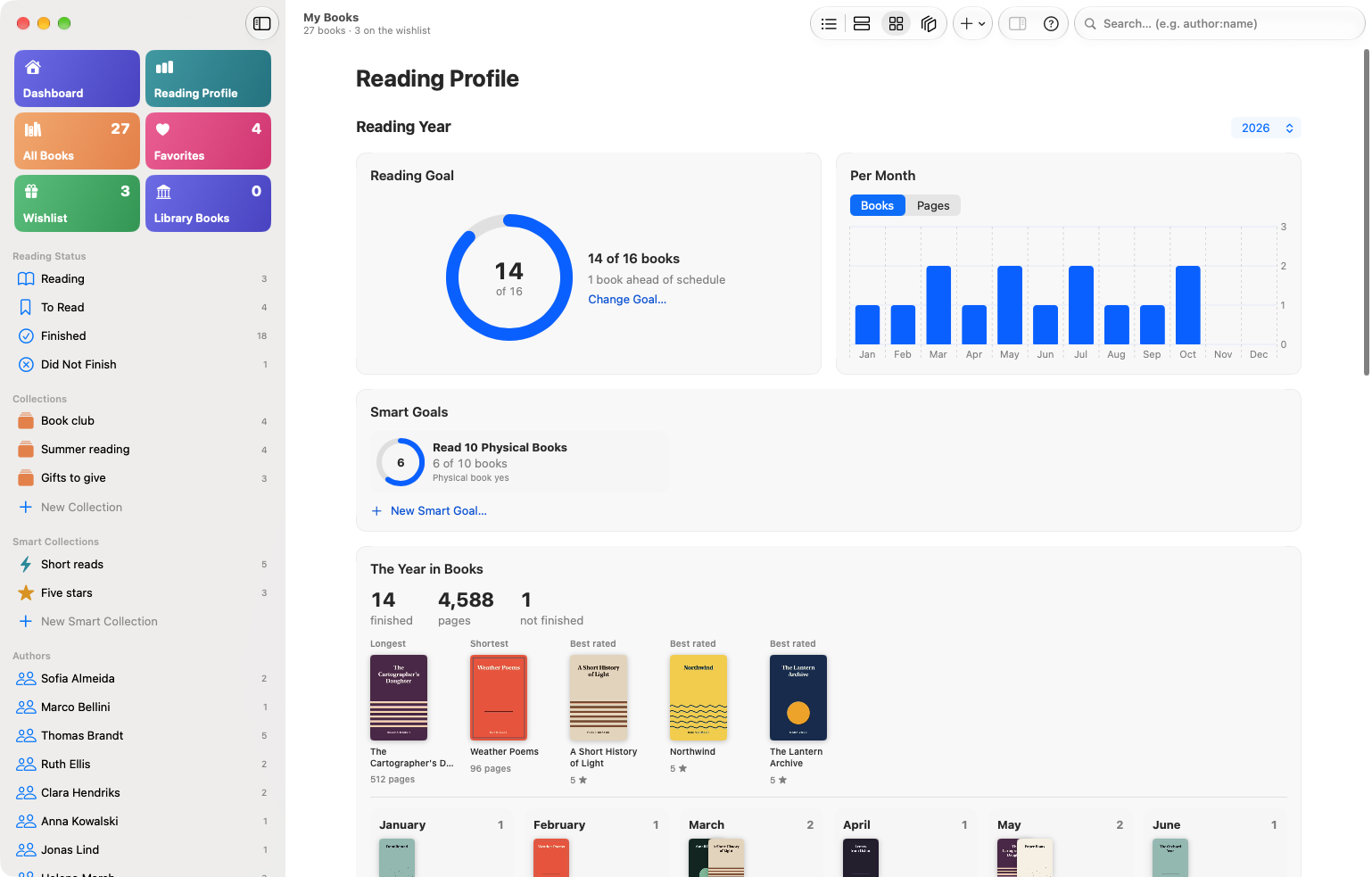
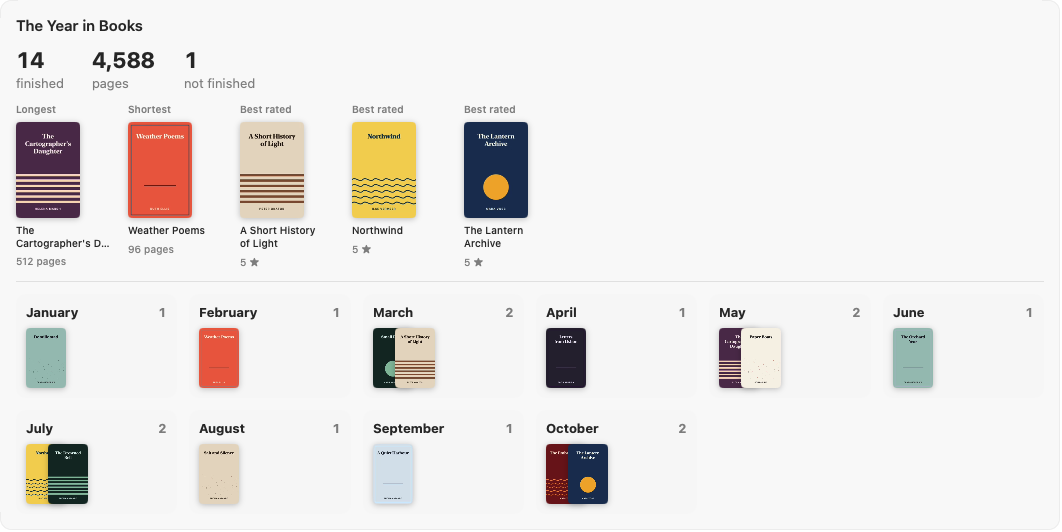
Set a goal, watch the months fill up, and look back on your longest, shortest and best-loved reads.

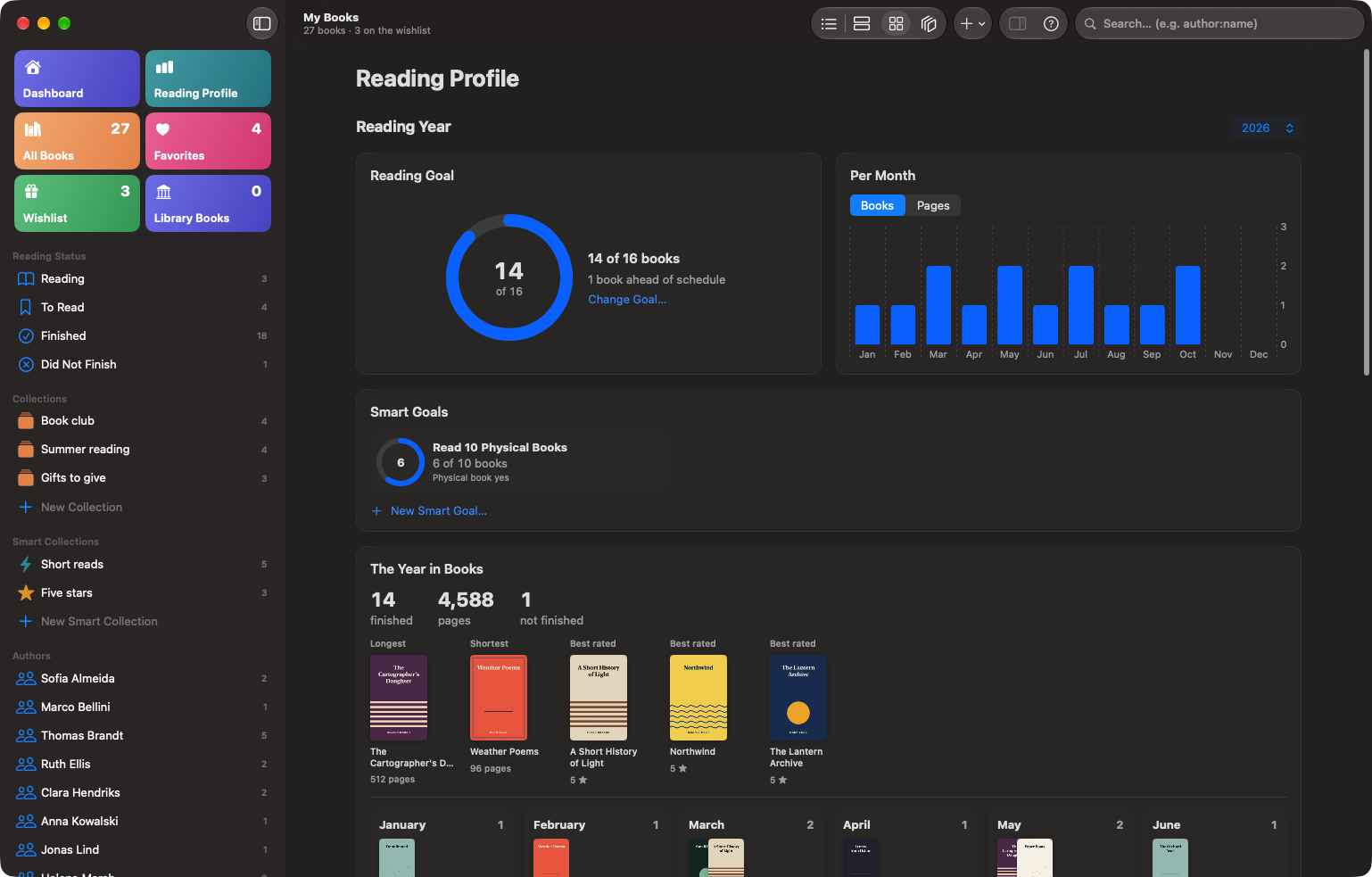
The Reading Profile: a reading goal ring at 14 of 16 books, one book ahead of schedule; a bar chart of books per month; a smart goal of ten physical books; and the year in books. The Reading Profile: a reading goal ring at 14 of 16 books, one book ahead of schedule; a bar chart of books per month; a smart goal of ten physical books; and the year in books.
  • A goal for the yearChoose how many books, and pages if you like. The ring tells you whether you're ahead of schedule.
  • Smart goalsGoals with a rule of their own, like ten paper books this year.
  • Month by monthEvery book you finish lands in its month. Rereads count again.
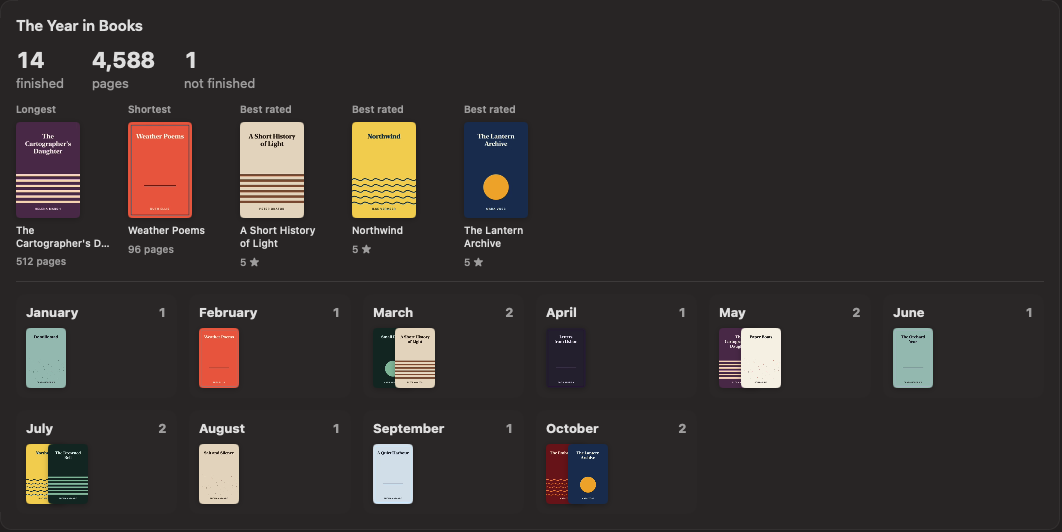
The Year in Books: 14 finished, 4,588 pages, 1 not finished; the longest, shortest and best rated books; and the covers of the books finished in each month. The Year in Books: 14 finished, 4,588 pages, 1 not finished; the longest, shortest and best rated books; and the covers of the books finished in each month.
Further down: The Year in Books, with every month's reads by cover.

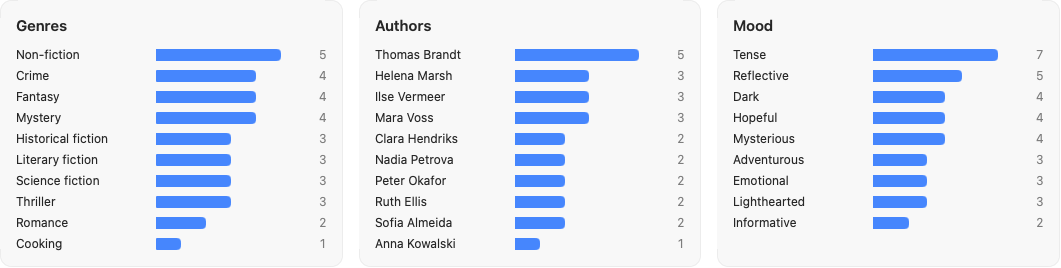
And your whole library at a glance

Ratings, favourites and reading status add up to a picture of what you read: by genre, author, mood and length.

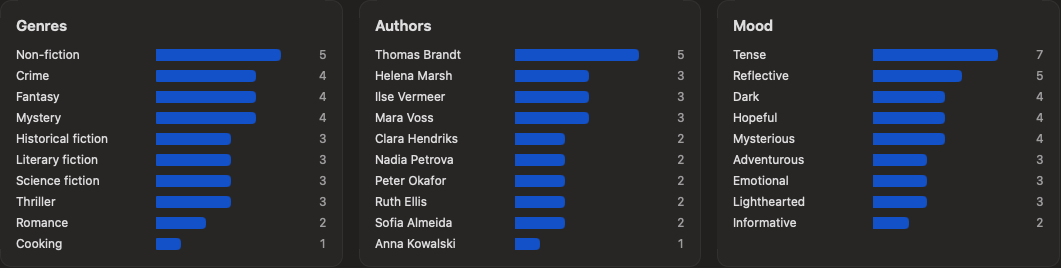
Totals: 27 books, 12 authors, 3 series, 8,964 pages, an average rating of 4.1 and 4 favourites. Totals: 27 books, 12 authors, 3 series, 8,964 pages, an average rating of 4.1 and 4 favourites. Bar charts of books by genre, author and mood. Bar charts of books by genre, author and mood.

When it's time to read, Open in Books hands the book to Apple Books.

  • Books in every format
  • Covers
  • Identifiers and page counts
  • Reading status
  • Favourites
  • Collections

Moving from calibre? Bring it all

Import your calibre library in one go. Added more books there later? Import again, and the new and changed ones follow.

calibre is only ever read, never changed.

Light or dark, always cosy

Drag to switch between light and dark. Books O' Plenty is made for the Mac, down to the details.

The dashboard in light mode. The dashboard in dark mode.
  • Spotlight
  • Quick Look
  • Shortcuts & Siri
  • VoiceOver
  • Full keyboard control
  • Increase Contrast
  • Reduce Motion
  • English & Dutch

Coming soon to a Mac near you

Books O' Plenty is in active development. When the first version is ready, it'll be right here to download. Free.

The Mac comes first. Later on, Books O' Plenty comes to

  • iPhone
  • iPad
  • Apple Watch